
Download on the App StoreA SwiftUI workout timer for the Murph Hero WOD, built for iPhone and Apple Watch.
A CrossFit Hero WOD honoring U.S. Navy SEAL Lt. Michael P. Murphy, traditionally performed on Memorial Day:
1 mile run · 100 pull-ups · 200 push-ups · 300 air squats · 1 mile run
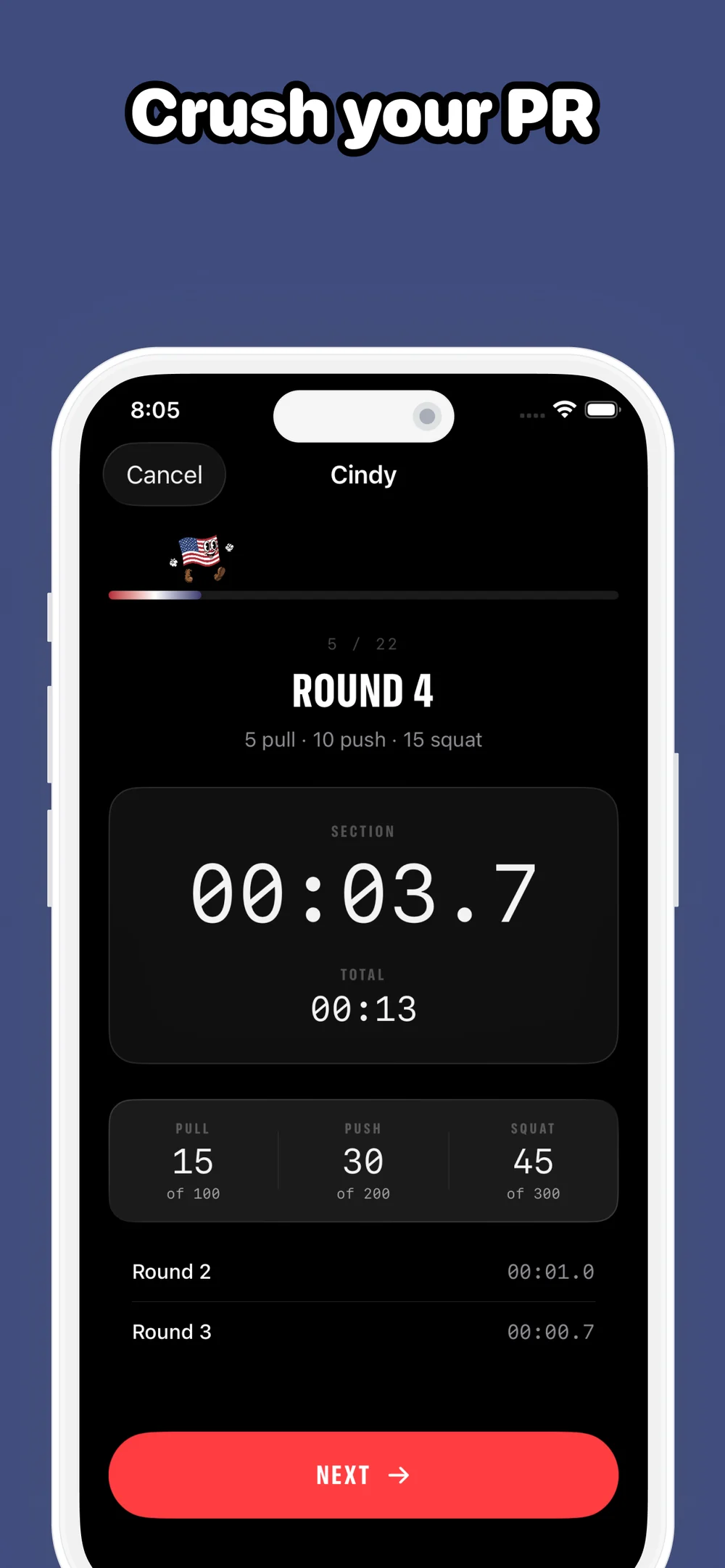
It's a simple workout to describe and a hard one to do. Murphy times it, tracks splits per section, and gives Activity Rings credit on the watch.
A few months out from Memorial Day, I went looking for a Murph timer on the App Store. What I found made me a little sad — stopwatch UIs duct-taped to half-built rep counters, ads pasted across the workout view, no real Watch story. None of them felt like the people who made them had ever actually done the workout.
I love experimenting with SwiftUI, and I care about fitness and design in roughly equal measure. Mostly though, life is too short for bad software — and Murph is, almost by definition, a workout about becoming a better version of yourself. The tool you reach for in that pursuit ought to take the work as seriously as you do.
So I started building. Preferably before Memorial Day rolled around.
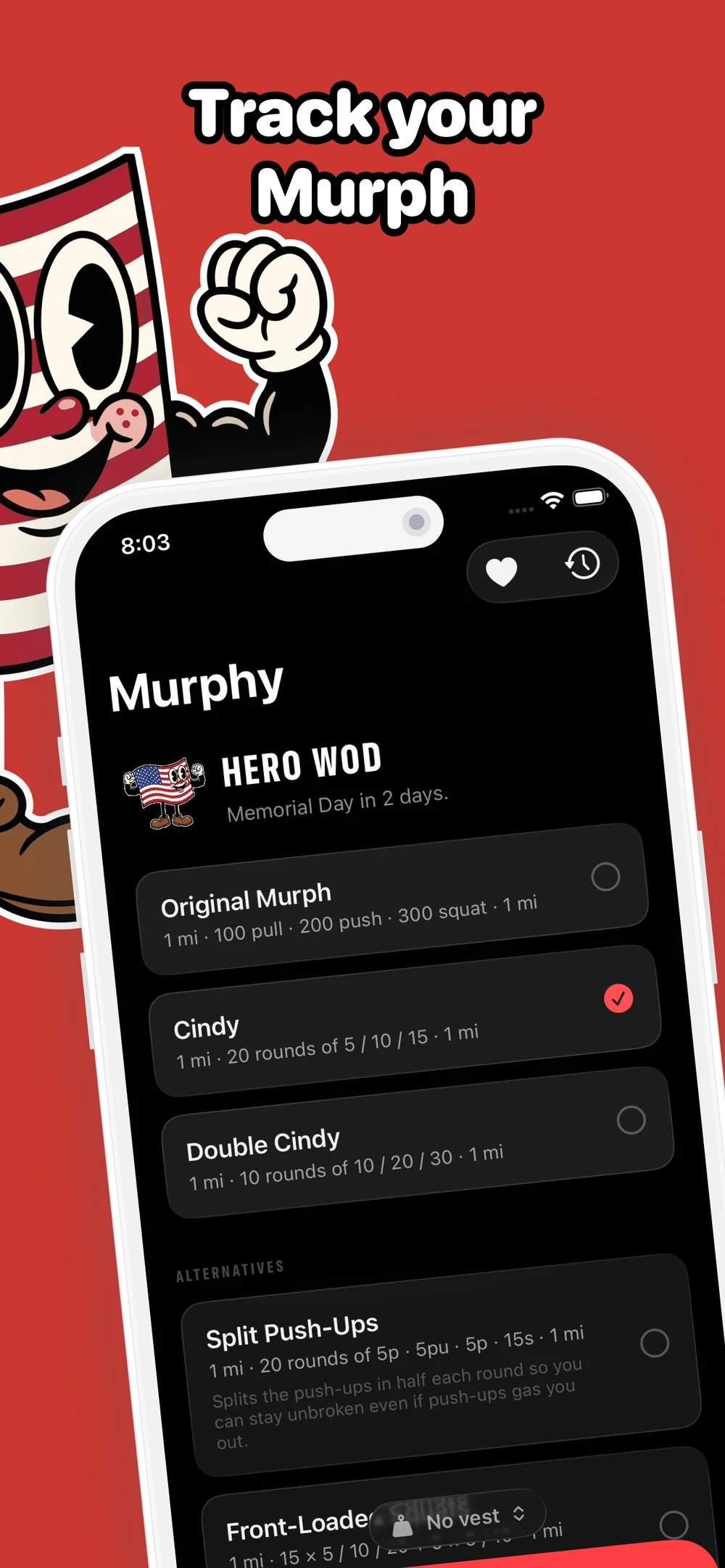
11 variations. The original (unbroken), Cindy, Double Cindy, two strategic variants for pacing, and six round-count alternatives — 2, 4, 5, 25, 50, 100. Every variation totals to the same 100 pull-ups, 200 push-ups, 300 air squats, so the only thing changing is how you break the work up.
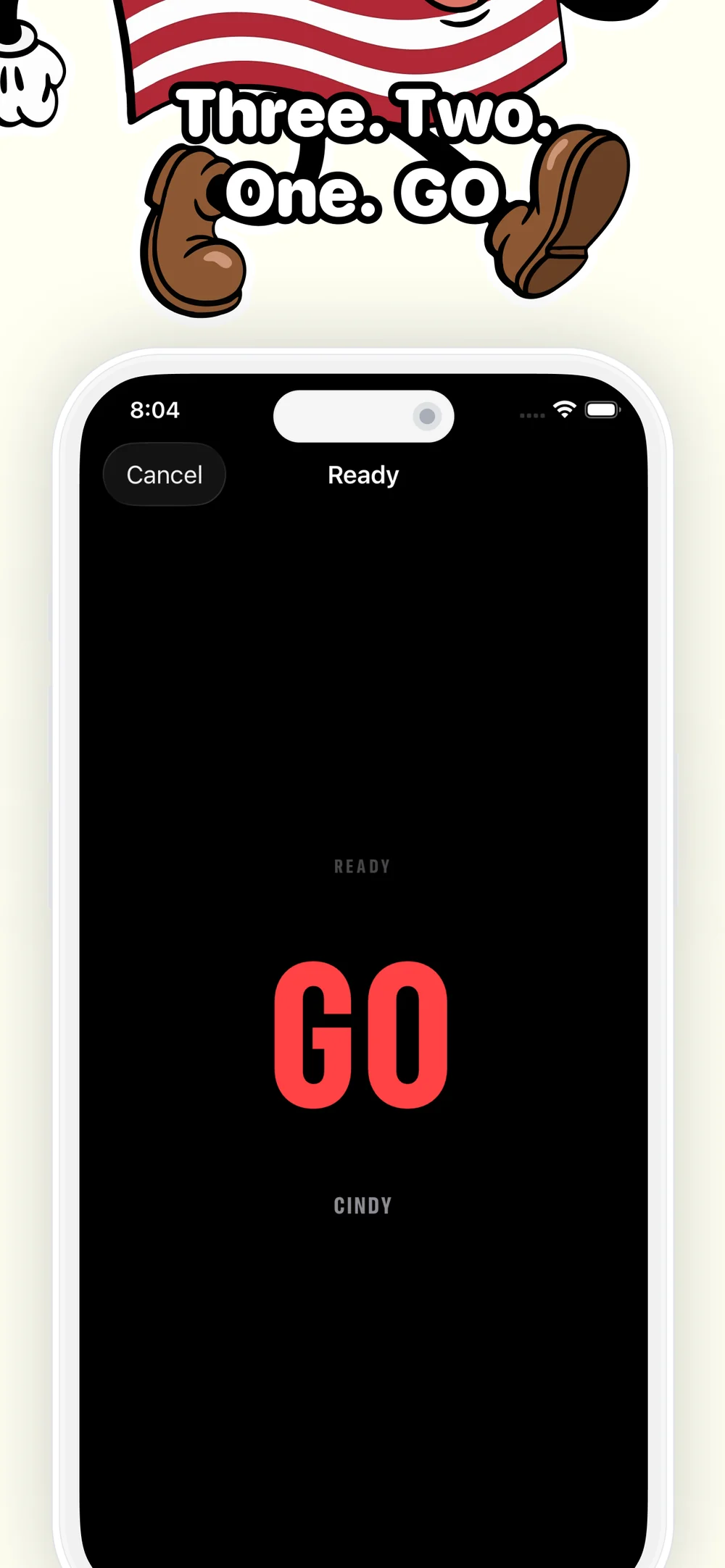
Apple Watch as the primary surface. Standalone variation picker, 3-2-1 countdown, a three-page TabView for Cancel · Workout · Now Playing. Uses HKLiveWorkoutBuilder so the workout closes your rings and lives in the Fitness app like any other workout. Live heart rate and calories throughout.
Real GPS mileage on the runs. During Run 1 and Run 2, distance comes from HealthKit/CoreLocation and surfaces as the hero metric on the watch. It also shows up on the summary and on the share card.
A real history. Every finished session lives in SwiftData, synced through your private CloudKit database across iPhone, iPad, Mac, and Watch. Personal records roll up automatically.
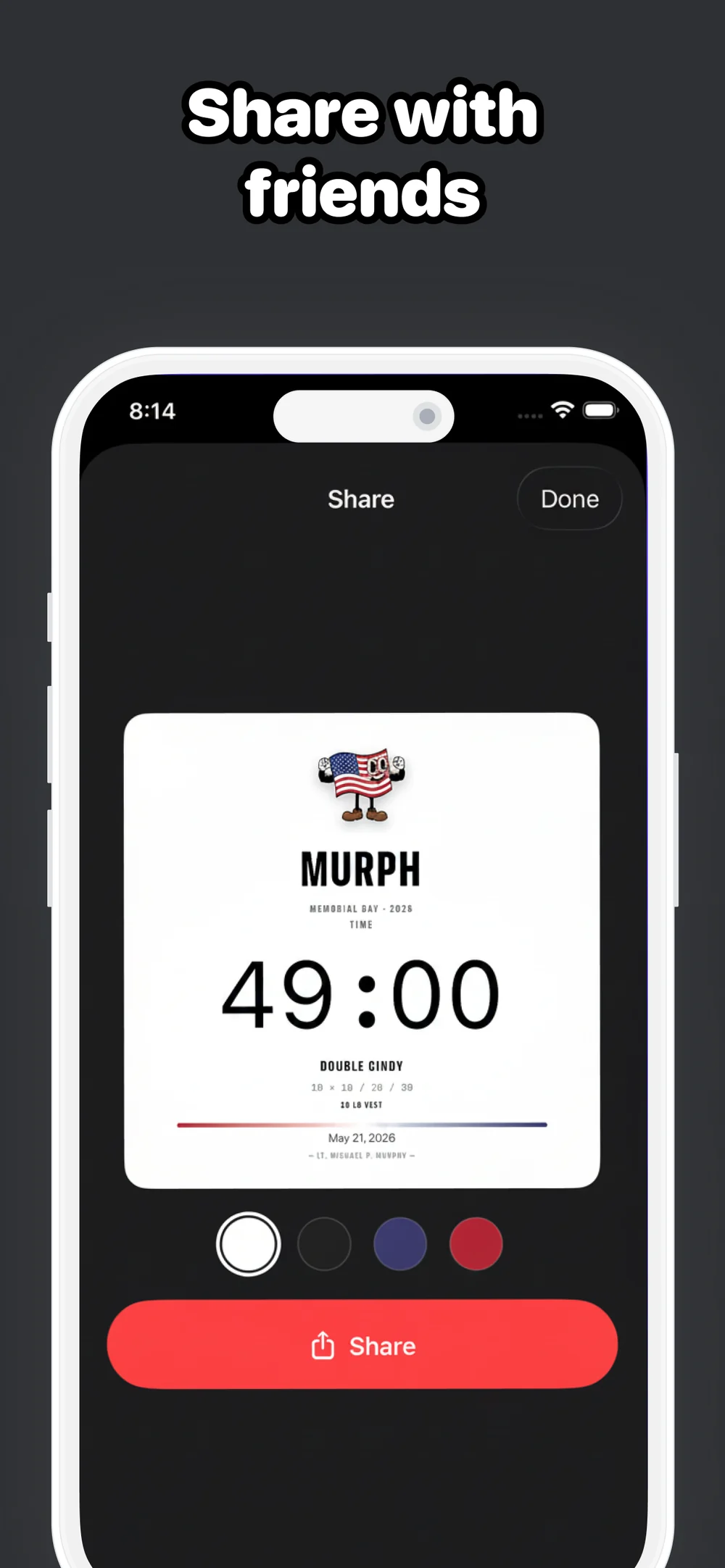
A shareable result card. 1080×1080, four background options (white, black, Old Glory blue, Old Glory red), per-section splits, a NEW PB badge when you earn one.
This was equal parts product and playground. iOS 26 dropped a stack of things I'd been itching to try — Liquid Glass, refined haptics, fresh SwiftUI APIs — and a Memorial Day workout app turned out to be the right excuse to use them in earnest. The progress bar sits under a Liquid Glass overlay so the running mascot and live rep counts stay legible over any background color. Considered haptics throughout: light on rep taps, weightier when you cross into a new section. The kind of details you only notice if they're wrong — but they're the difference between a stopwatch and a tool that feels made on purpose.
Under the hood: SwiftUI throughout, SwiftData backed by a private CloudKit container for persistence and cross-device sync, HealthKit and HKLiveWorkoutBuilder driving the watch workout, StoreKit 2 powering an optional tip jar.
The watch app is standalone — you can start, run, and finish a workout from the watch without the phone in the room. The phone is the place you go to look at history, configure variations, and share results.
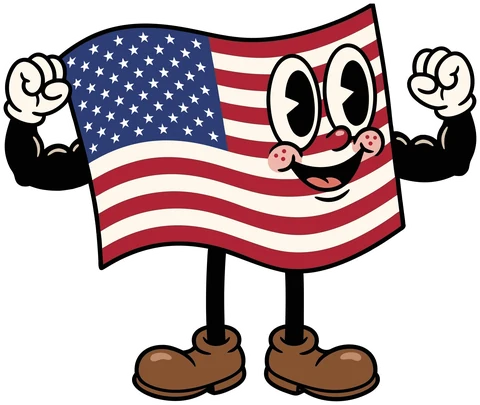
The Murphy mascot — a smiling American flag with arms and legs — comes in two poses:
Murphy doesn't have a server. The app doesn't collect, send, or share your data. Everything stays on your device or in your own private iCloud. Full details on the privacy page.
Bug, feature request, or want to share your Murph time? Email me — see the support page.
Lt. Michael P. Murphy — June 28, 2005.
Support his legacy at the Murph Foundation.