
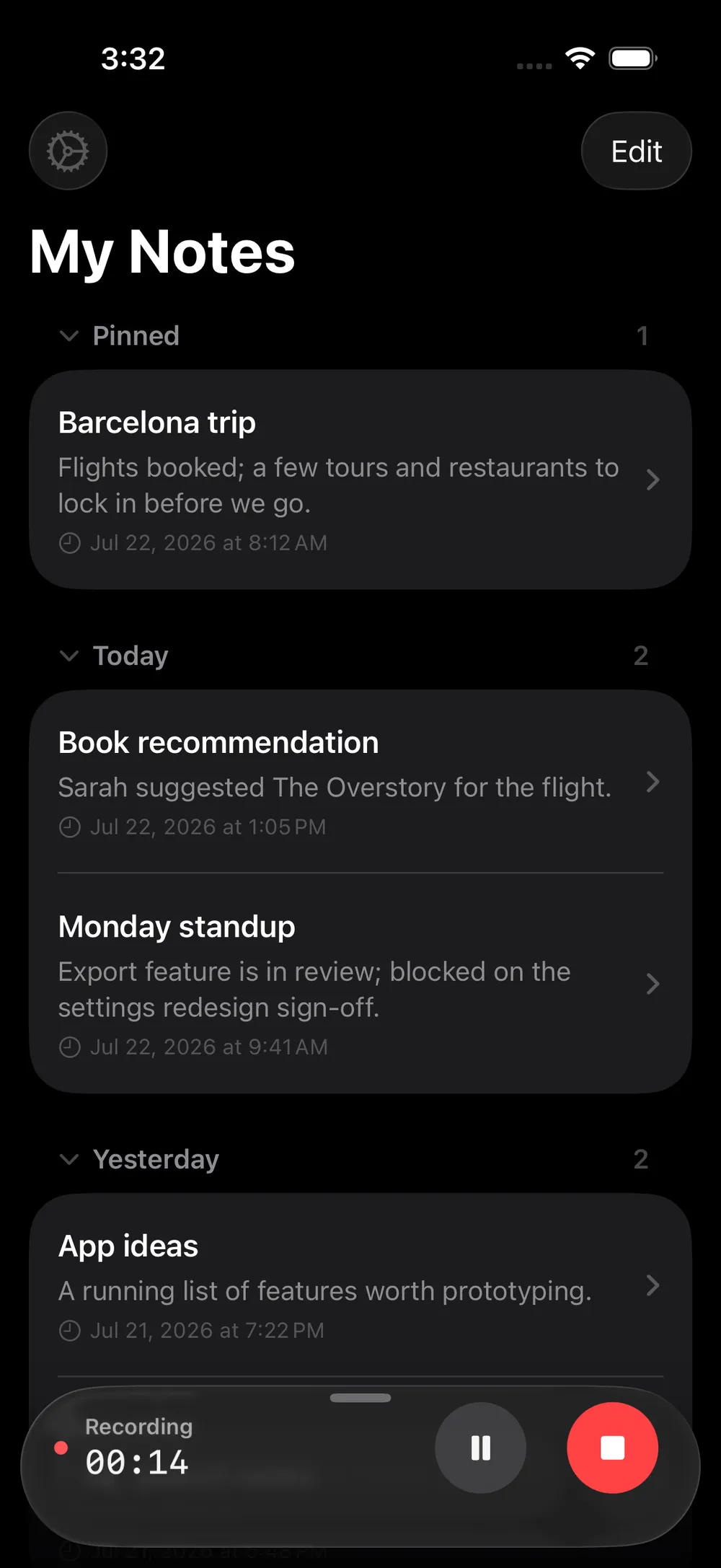
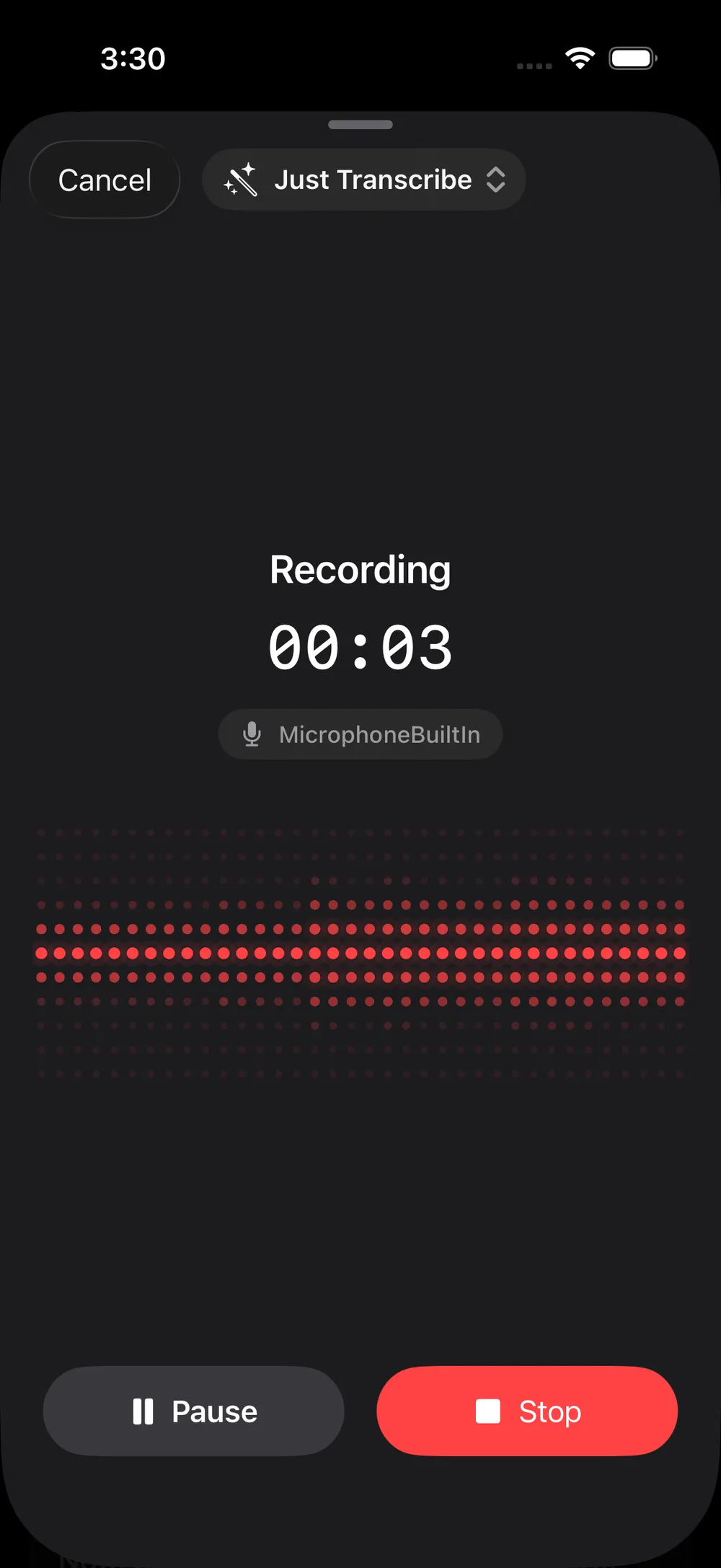
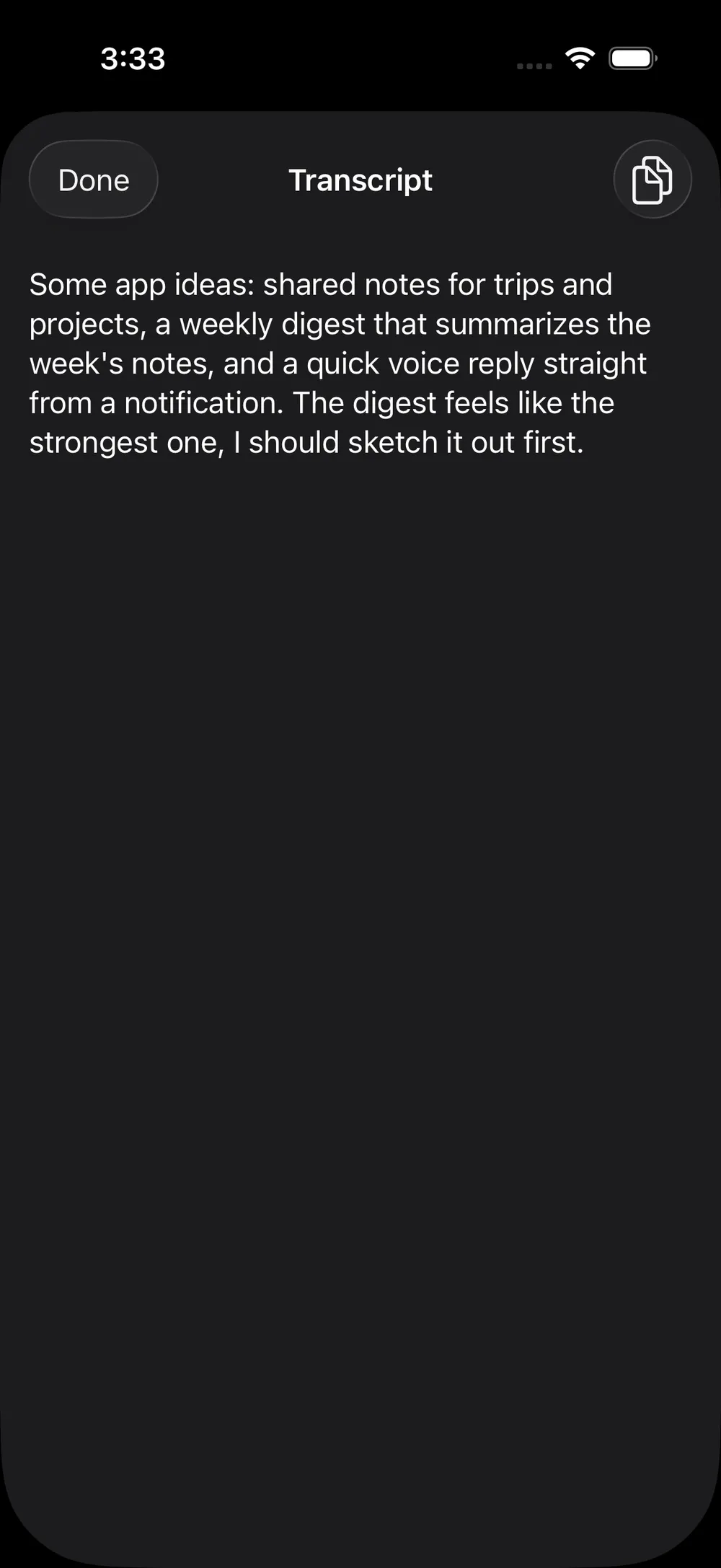
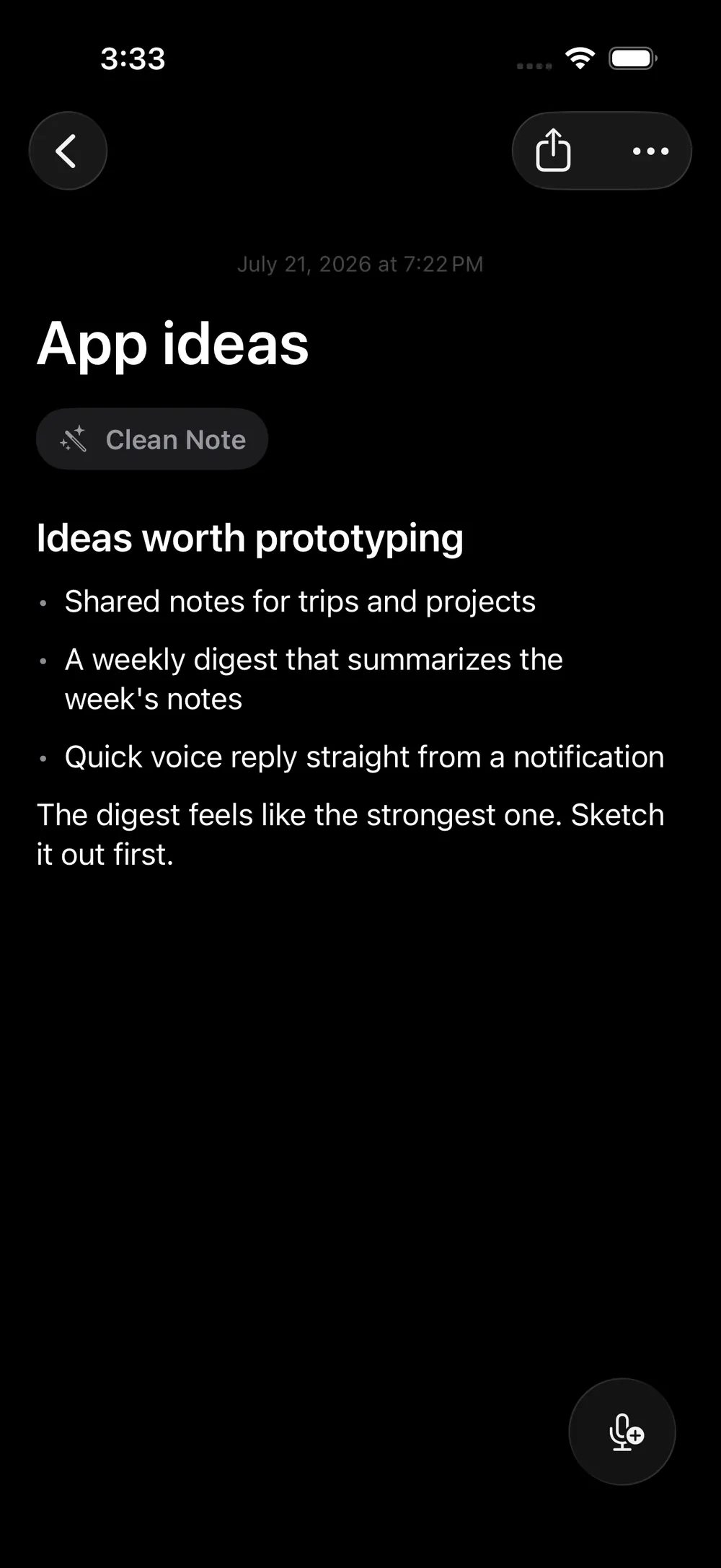
Talk into your phone or watch. Get back a clean note, using the AI you choose.
 Test on TestFlight
My best ideas almost never show up at a keyboard. They show up on a walk, or in the shower, or somewhere away from the screen. By the time I'm back at the computer, the sharp version is usually gone.
For years I used the Apple Watch: voice memos, reminders for Siri. It was always there, but I never fully trusted it. I was never sure Siri heard me right, or that the thought would come back in a form I could still use.
Plain voice memos are worse once you tally the work. Record. Wait for the phone. Transcribe. Clean up the ums. File it. By then the idea has cooled. Most AI apps that short-circuit those steps want you inside their box: their model, their cloud, their subscription, their copy of your audio. I didn't want to rent my own thoughts.
Hammock is the tool I wanted for the away-from-the-computer part of the work. You talk. It transcribes. Then it rewrites what you said into a clean, titled, searchable note. You bring your own API keys.
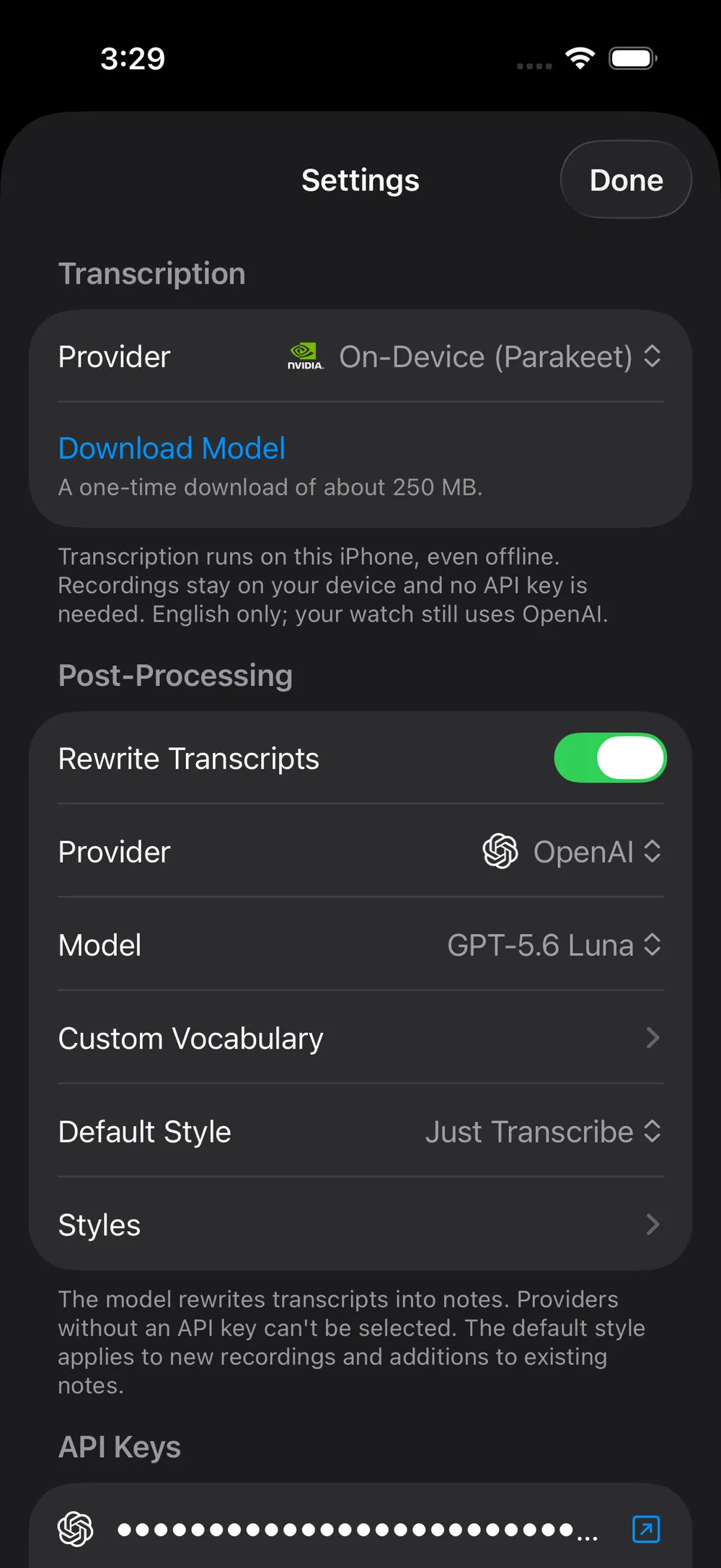
There is no account of mine and no server of mine in the middle. Transcription can go to OpenAI Whisper with your key, or run fully on-device with NVIDIA's Parakeet model so nothing leaves the phone. For rewriting you pick OpenAI, Anthropic, or Gemini, or turn rewriting off and keep the cleaned-up transcript as-is. Keys live in the Keychain and sync to the Watch.
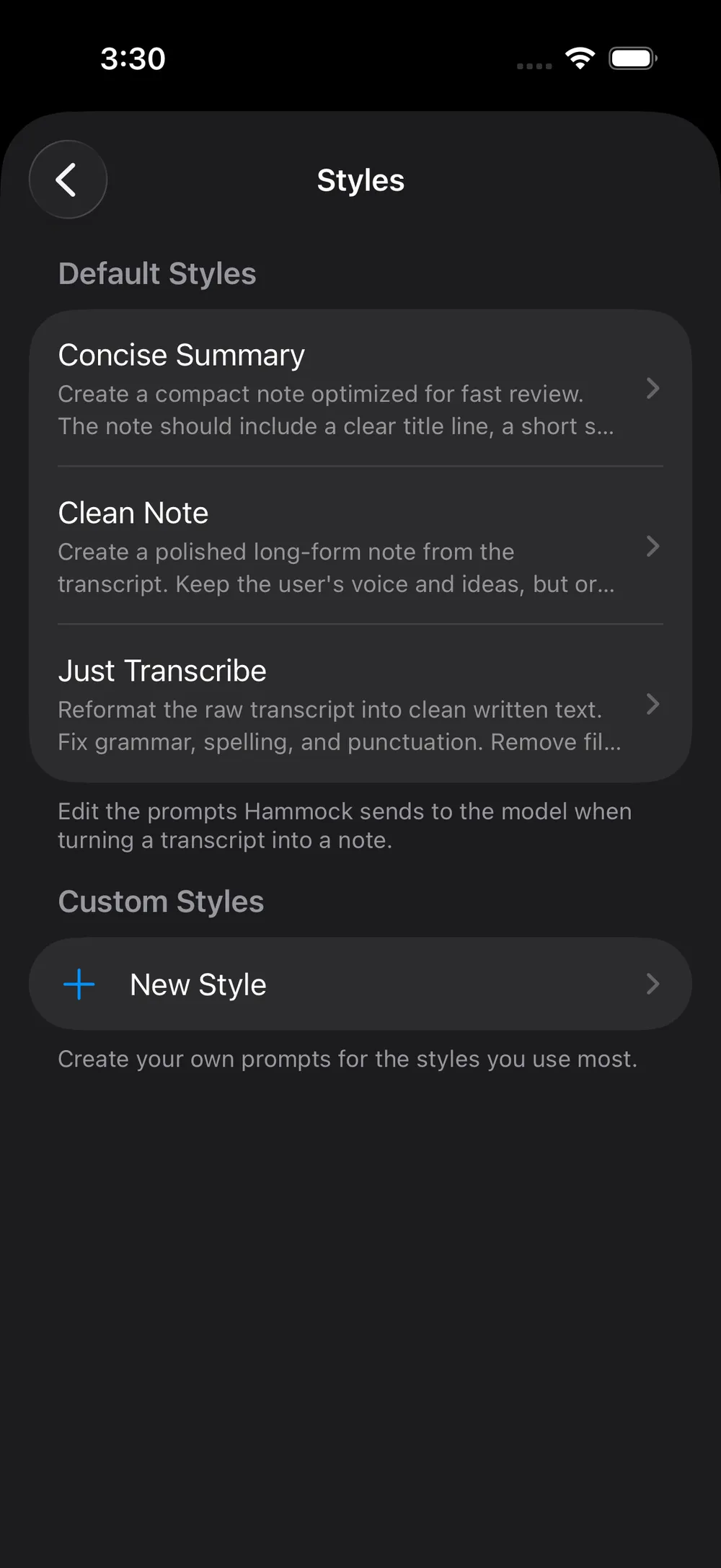
A style is the instruction that shapes the note. It ships with three: Just Transcribe, Clean Note, and Concise Summary. You can edit their prompts or write your own, so the same recording can come out as meeting notes or a blog draft depending on what you need that day.
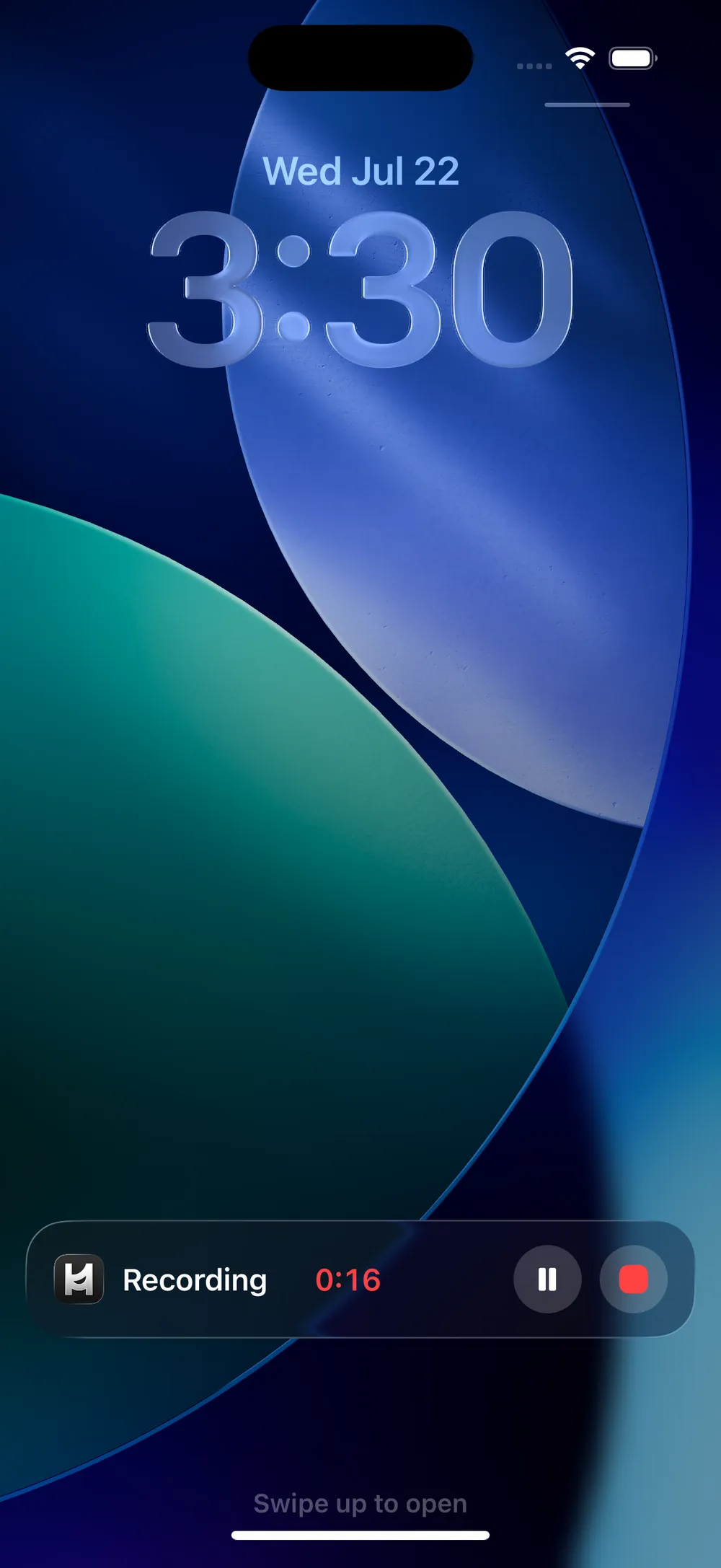
You can record from the Watch without the phone in the room, or from widgets, Control Center, and Shortcuts. A Live Activity keeps the timer on the Lock Screen and in the Dynamic Island while you talk. Notes sync over your private iCloud across iPhone, iPad, and Watch.
Built with SwiftUI, SwiftData, CloudKit, App Intents, and ActivityKit. On-device speech runs on the Neural Engine.
If you use a cloud model, that audio or transcript goes to that company under your account. If you'd rather nothing leave the phone, use on-device transcription and turn rewriting off. The app works offline that way.
The name comes from Rich Hickey's talk Hammock-Driven Development. Hard problems aren't solved by typing faster. They're solved by loading a problem into your head, stepping away, and letting your background mind work on it. A lot of that work is talking the problem out loud. Hammock is for the moment the answer shows up, before it evaporates.
Life is too short for bad software. A voice note is a small thing, but the tool that catches your thinking should be quiet, fast, and yours. Every note is plain text too, so you can ship it out through the share sheet and keep moving.